


Space University of Florida - The Foundation of the Gator Nation
University of Florida College of Liberal Arts and Sciences
Space
Quantum Theory Project QTP Home page
Slater lab

John C. Slater Computing Laboratory

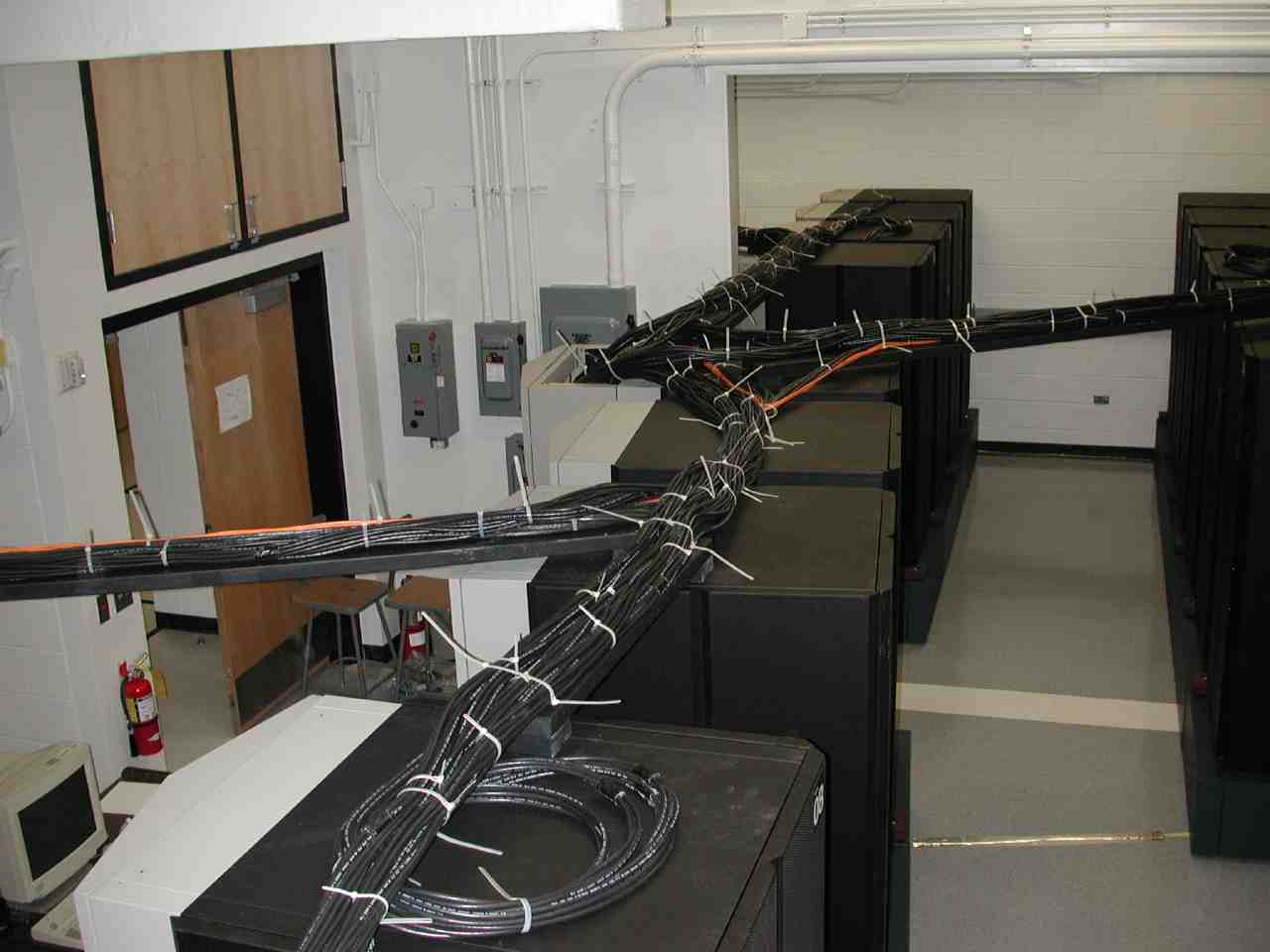
The Slater Lab provideds computing support for QTP. This includes support for desktops and laptops, the computer network and high performance computing and visulaization. It also includes support and training for software engineering and programming, in particuilar parallel programming.

News and announcements

  • HyperChem 8 license for NPB
    The compuational chemistry software HyperChem 8 for Windows is available to all members of QTP. We have a license that will work in the Physics Building network Versions for MacOS and Linux are expected in a few months.
    Details on how to get the CD and how to install HyperChem on your laptop or desktop can be found here
  • UF-standard network service in NPB (July 26, 2009)
    The UF-standard network infrastructure called wallplate service has been activated in the New Physics Building. This will allow for the transition to a Voice-over-IP (VoIP) phone system in August 2009.
    All personal wireless access points will have to be turned off and will no longer be allowed in NPB.
    The network architecture is different from the old network structure where all desktops were in an isolated network shared protected by the Slater Computing Laboratory gateway.
    All "common platform" desktops maintained by the Slater Computing Laboratory have been removed. Every member and visitor of QTP will now be using personal unmanaged desktops. Network access for QTP and the Physics Department will now be uniform throughout the building. The GatorLink-authenticated campus wireless network service is a part of the new network infrastructure.
    This will completes the transition of the Slater Lab Computing Environment Architecture from before 2005 to after 2008.
  • Notice of end-of-life (Apr 22, 2009)
    Because of the change in network architecture that accompnaies the new network in NPB, the 11-year-old Sun Ultra 5 workstations running Solaris 7, the 6-year-old SunBlade 1500 workstations running Solaris 8, and the 9-year-old IBM p270 workstations in NPB 1213 running AIX 5.1 will be turned off before July 1, 2009.
  • 2009 Network upgrade in NPB and transition to VoIP (Apr 22, 2009)
    In the first half 2009 the New Physics Building will undergo a major network renovation and upgrade that will be accompanied by the replacement of the conventional telephones by Voice-over-Internet-Protocal (VoIP) phones. The Slaterlab will then phase out support for desktops and office computer networks and concentrate its resources on the computers and networks for file service and storage and backup, e-mail and web service, and high performance computing. See more details about the changes below
    This will complete the transition of the Slater Lab Computing Environment Architecture from before 2005 to after 2008.
  • New HP printers to replace Dell printers (Apr 15, 2009)
    The new printers are already available from Solaris. The printers will be managed by the new CUPS 1.3.9 (Common Unix Printer System) system. Suuprt from SAMBA is being worked on. It takes a bit longer than anticipated because a new version of SAMBA needs to be built. The current version of SAMBA is 2.2.3 and the new version will be 3.3.3. Consult the printers page for more details.
  • Software upgrade of compute clusters (Sep 23, 2008)
    During June through September 2008 arwen, haku, ra, surg, and wukong were upgraded with a new operating system. Now the nodes are compatible with the HPC cluster and are using Moab as scheduler and Torque as resource manager. All cluster nodes, except arwen, also mount the HPC parallel file systems /scratch/ufhpc and /scratch/crn.

Computing Environment Architecture

Erik Deumens, April 22, 2009

In relation to the network changes that are coming, it may be useful to point out some internals of modern computing environments in general and the QTP environment in particular, because these are not obvious.

The network changes only affect the laptop and desktop machines and how they connect to servers for specific operations. The QTP servers, including the compute clusters, and the HPC Center clusters will remain unchanged by this transformation.

Networks and desktops and laptops

We started with a single VAX that did everything for everyone. Now we have very powerful desktops and laptops that increasingly become personalized in academic environments to meet the need of individual students and faculty. The software on these systems is mature and can be managed by each individual, possibly with some advise from an expert.

Academic users can acquire any software they consider useful for their work and install it on their desktop or laptop. The university software licensing office provides very good prices for a large choice of most commonly used applications. Central management and configuration of these machines has become intractable because of the wide range of individual needs and large choice of available solutions.

One important point to note here is that users should not try to create a "complete" research computing environment on their laptop or desktop. The old SUN desktops did create that impression by being integrated in a specific way with the server. Now network and hardware improvements make it much easier and very productive to work remotely on one or more servers. Many server environments, like HPC clusters, cannot be reproduced on the laptop or desktop at all. Remote access software, like X-Win32 for which QTP and the Physics Department share in the campus license), should be used to connect to a server and display results on the laptop or desktop with X-Windows.

Therefore, users should focus on configuring their laptop to do web browsing, email client, simple document editing (like MS Word).

Users do not have to and should not install LATeX on their desktop, unless it is really desired. I personally always use LATeX on crunch from my Windows desktop at home displaying the editor and xdvi with X-windows. The Cox Cable connection works just fine to do this without any problem. A very good version of LATeX for Windows exists in the form of MikTeX combined with the WinEdt which is easy to install for many users.

There is no need to become a part-time system administrator of your laptop or desktop unless that is something you really want to do!

Staff desktops are slightly different because staff personnel require access to a well-defined and limited set of applications, and their duties often include a time-constraint on how fast the work needs to be done. This implies an extra level of stability and the requirement to avoid "experimental system administration". Thus, staff machines are not as well-suited to be self-maintained.

Servers and services

The QTP servers will function unchanged. It would not be wise to make big changes in two major components at the same time. If anything, the services will be extended and improved. For example, getting the printers to work turns out to be more time-consuming than anticipated because I am trying to make the printing service more automatic and more robust.

The services provided by the servers and accessed from desktops and laptops are:

  • email (SMTP, IMAP),
  • web server (HTTP),
  • IP address assignment for laptops and desktops (DHCP, DNS),
  • disk service for home and scratch with automatic backup (SAMBA),
  • access to network printers (SAMBA),
  • access to all applications running on the server with X-Win32 or similar software on the desktop or laptop,
  • numerous software tools on the server can be accessed: compilers, Maple, Matlab, Mathematica, graphics, LATeX, batch computing, etc.

Computing support people

A large research institute like QTP, and even large departments like Chemistry and Physics can no longer afford to hire and retain talented computer support staff to provide reasonable support on all aspects of computing in isolated positions associated with individual departments or colleges.

Only a campus-wide, distributed organization in which individuals, located in the departments, can draw upon each other's expertise can provide cost-effective, high-quality support.

QTP has been lucky to have me provide support for so many years. I doubt that one can find any place in the world where a person with my credentials and accomplishments fixes the printers in an organization. However, to provide computer support to an organization like QTP cannot be done with people who are hired for three months and paid $10 to $15 per hour, like the typical student assistants or graduate assistants. Many young people are very comfortable with computers and are very skilled in making a single computer work properly. But maintaining a productive computing environment with networks, servers, printers, and special software requires professional training and experience. This has become so complex that a single individual is not likely to be able to provide proper support and oversight of a quality, high-activity computing environment.

The new network will be maintained by a professional organization with multiple staff and with the ability to have someone on call 24/7 for serious problems. A single person like myself, or three people if one includes the two support people in Physics, cannot provide this level of service for all the areas that need support of which network support is only one.

I will make sure the servers in QTP keep working and offer the defined set of services. CNS will make sure the network is working. I will also make sure the staff have working computers. Academic users are responsible for their laptop or desktop and for making sure that these machines can get to the services. I will provide instructions on web pages, and I will be available for individual consultations to help users diagnose and fix problems they may encounter while using and operating their laptop or desktop.

High Performance Computing

High Performance Computing at UF has a head start compared to many other institutions in providing a quality environment for computational research. It is in our best interest to support it, because there as well, groups, departments or colleges can no longer provide the service alone.

Slater Lab Computing Environment Architecture After 2008

During the period from 2005 through 2008, most effort was spent on creating the integrated Linux and x86 architecture based High Performance Computing (HPC) research environment.

Note that staff desktops are in all respects the same as user access devices, except that they are not user managed.

The main distinction between the Computing Environment Archtecture (CEA) after 2008 and before 2005 is that the scientist desktops as user access devices are no longer there after 2008. Scientist must use their preferred user access device to connect to any of the available Slater Lab servers to gain access to the computing environments provided by the servers; before 2005, the computing environment of the servers was directly available on the scientist desktops.

New technologies, faster networks, and the desire for highly personalized user access devies have made the specification of an acceptable and supportable scientist desktop an impossible task since sometime around the beginning of this century.

User managed Slater Lab managed
user access devices

integrated through SAMBA and X-Windows
staff desktops

integrated through SAMBA
enterprise services HPC services
laptop and desktop computers of various makes and models
(Windows, MacOS, Linux flavors)
x86 computers
(Windows XP)
crunch SPARC server
(Solaris 9)
buddy SPARC server
(Solaris 9)

linx64 x86 EM64T server

(CentOS 4.5)
x86 clusters
(CentOS 4.5, integrated with HPC Center clusters)

Slater Lab Network Architecture

The network is divided roughly into three worlds:

  1. Inside zone All Slater Computing Laboratory servers, including the compute clusters are behind the gateway machine that is also a firewall. Only specified services can be accessed through the gateway. All other packets are dropped. These servers are located in the two machine rooms in the physics building.
  2. Outside zone All machines outside the Physics building are considered to be part of the outside network. They have access to the public services of the Slater Computing Laboratory servers.
  3. QTP client computer zone All desktop and laptop computers in the Physics building that have a MAC address registered with the Slater Computing Laboratory, and not registered with the Physics department, have access to the same services as computers in the outside zone as well as access to the SAMBA server.

Slater Lab Computing Environment Architecture Before 2005

This environment was the result of constant evolution since the 1897 implementation of the distributed Sun server and workstation environment.

User managed Slater Lab managed
user access devices

integrated through SAMBA and X-Windows
staff desktops

integrated through SAMBA
scientist desktops

environment identical to servers
integrated enterprise and research servers HPC servers
laptop and desktop computers of various makes and models
(Windows, MacOS)
x86 computers
(Windows 2000)
Sun SPARC computers
(Solaris 7, Solaris 8)
crunch SPARC server
(Solaris 7)

win2k, chem2k x86 servers
(Windows 2000)
crunch SPARC server
(Solaris 7)

xena, simu POWERPC servers
(AIX 5.1)

>> top

Space Space Space
Space
Have a Question? Contact us.
Last Updated 9/24/09
 
University of Florida